
Last updated Aug 31, 2026.
Qwen3.8-27B API: The Complete Developer Guide
7 minutes read

Shubham Tribedi
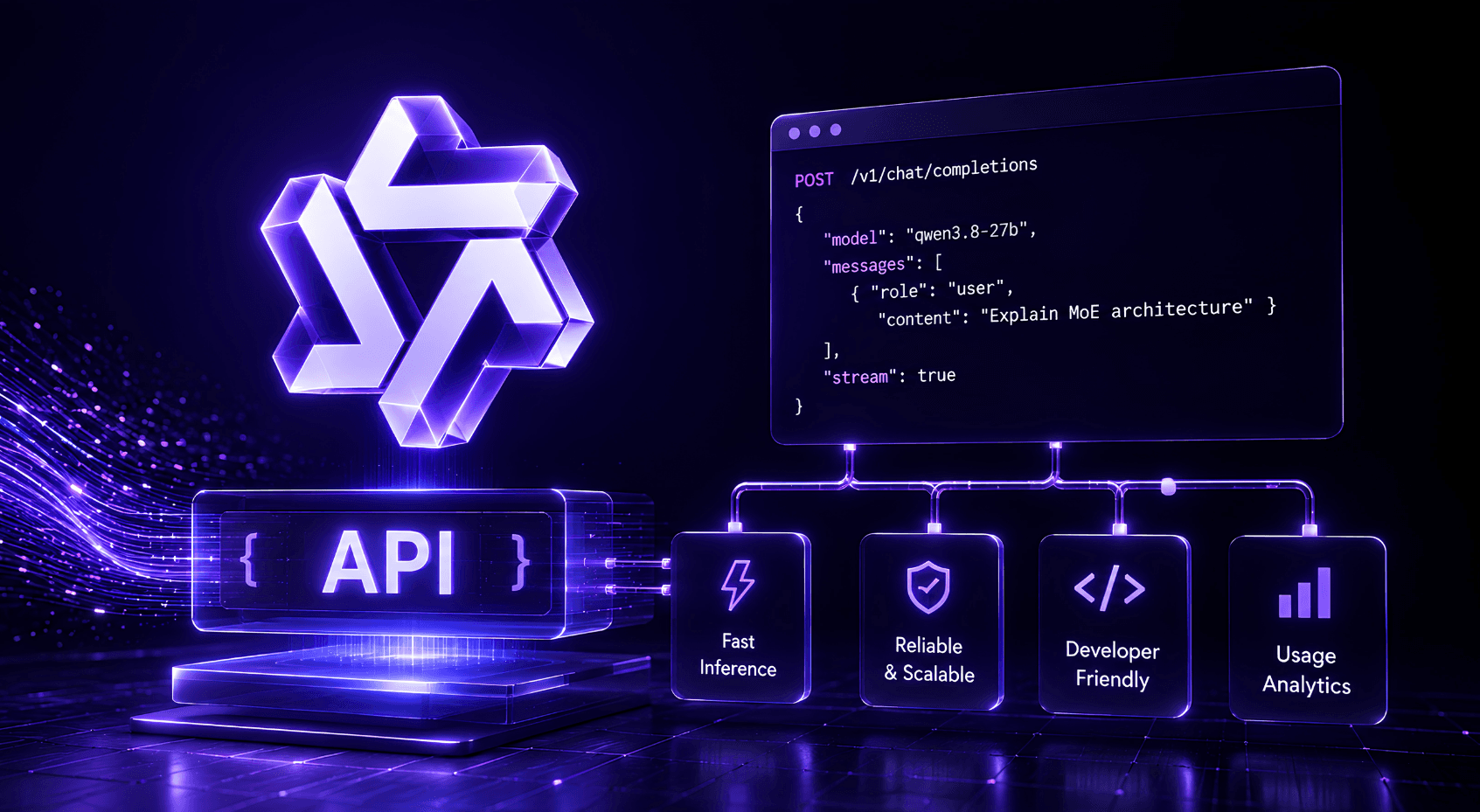
The Qwen3.8-27B API is live on Qubrid AI at https://platform.qubrid.com/v1 with the model string Qwen/Qwen3.8-27B. It is OpenAI-compatible, so an existing integration needs three changes: base URL, API key, and model string. Set reasoning_effort explicitly before you scale, because the model defaults to xhigh and reasoning tokens bill as output.
This is the working developer reference: setup, every parameter that matters, streaming, vision, troubleshooting, and migration.
What you are calling
Qwen3.8-27B is a 27-billion-parameter dense vision-language model released under Apache 2.0 on August 14, 2026. As the Qwen team documents on the model card, it handles text, image and video input through a single chat completions interface, with a 262,144-token native context window.
The specs that change how you call it:
Property | Value |
|---|---|
Model string |
|
Native context | 262,144 tokens |
Extended context | 1,000,000 tokens via YaRN |
Input modalities | Text, image, video |
Thinking mode | On by default, |
Preserved thinking | On by default |
License | Apache 2.0 |
Basic setup
from openai import OpenAI

# Initialize the OpenAI client with Qubrid base URL
client = OpenAI(
    base_url="https://platform.qubrid.com/v1",
    api_key="QUBRID_API_KEY",
)

response = client.chat.completions.create(
    # Must match the exact model ID from the docs - variations will cause errors.
    model="Qwen/Qwen3.8-27B",
    messages=[
        {
            "role": "user",
            "content": "Explain the main benefits of using a chat completion API for text generation."
        }
    ],
    max_tokens=4096,
    temperature=0.7,
    top_p=1,
    stream=False
)

print(response.choices[0].message.content)
The model string is Qwen/Qwen3.8-27B exactly as written. Case and the organisation prefix both matter.
The one setting that decides your bill
Qwen3.8-27B ships with reasoning_effort set to xhigh and thinking enabled. Reasoning traces bill as output tokens. Leaving the default in place on general traffic is the most common and most expensive mistake with this model.
Artificial Analysis evaluated each reasoning setting as a separate entry, which makes the trade-off readable:
Setting | Intelligence Index | Output tokens across the index | Peer median |
|---|---|---|---|
| 52 | 160M | 48M |
| 44 | 75M | 45M |
35 | 26M | 17M |
Going from medium to xhigh buys 8 index points for slightly more than double the tokens. As Simon Willison found in hands-on testing, the extreme case is a request that consumed 22,276 reasoning tokens to produce 3,223 tokens of output, and 21 minutes to do it.
response = client.chat.completions.create(
    model="Qwen/Qwen3.8-27B",
    messages=messages,
    reasoning_effort="medium",   # xhigh | medium | low
    max_tokens=4096,
    stream=True,
    stream_options={"include_usage": True},
)
What to set:
Workload | Setting |
|---|---|
Classification, extraction, routing, summarisation |
|
Chat, RAG answering, code completion |
|
Multi-step agents, debugging, repo-level changes |
|
Hard one-shot problems, research, planning |
|
One counterintuitive note from the model card: in multi-turn agentic tasks, lower reasoning effort does not always reduce total cost. Insufficient analysis produces more failures and retries, and retries are billable. Measure cost per completed task, not per request.
Disabling thinking entirely
response = client.chat.completions.create(
    model="Qwen/Qwen3.8-27B",
    messages=messages,
    temperature=0.7,
    top_p=0.8,
    presence_penalty=1.5,
    extra_body={
        "top_k": 20,
        "chat_template_kwargs": {"enable_thinking": False},
    },
)
Preserved thinking
By default the model retains thinking blocks from all historical messages. As the Qwen team notes, this maintains a complete reasoning trace for decision consistency in agent scenarios and improves KV cache utilisation. To keep only the latest:
extra_body={"chat_template_kwargs": {"preserve_thinking": False}}Test both ways on agentic workloads. Preserving grows your prefix but improves consistency and cache hits; disabling shrinks the prefix but discards context.
Streaming with separated reasoning
When thinking is enabled, reasoning arrives on a separate delta field. Handle it explicitly so it does not leak into user-facing output:
reasoning_content = ""
answer_content = ""
is_answering = False

for chunk in completion:
    if not chunk.choices:
        if chunk.usage:
            print("Usage:", chunk.usage)
        continue

    delta = chunk.choices[0].delta

    if getattr(delta, "reasoning_content", None):
        reasoning_content += delta.reasoning_content
    elif getattr(delta, "reasoning", None):
        reasoning_content += delta.reasoning

    if getattr(delta, "content", None):
        if not is_answering:
            is_answering = True
        answer_content += delta.content
When appending the assistant turn back to history, include both fields so preserved thinking works as intended:
messages.append({
    "role": "assistant",
    "content": answer_content,
    "reasoning_content": reasoning_content,
})
Vision and video input
The architecture string is Qwen3_5ForConditionalGeneration and config.json carries a vision_config. As the vLLM Recipes project notes, unlike the 2.4T flagship this is a genuinely multimodal model, not a text model with an adapter.
messages = [
    {
        "role": "user",
        "content": [
            {
                "type": "image_url",
                "image_url": {"url": "https://your-domain.com/invoice-scan.png"}
            },
            {
                "type": "text",
                "text": "Extract every line item as JSON with description, quantity, and unit price."
            }
        ]
    }
]

response = client.chat.completions.create(
    model="Qwen/Qwen3.8-27B",
    messages=messages,
)
Video uses the same shape with video_url:
{
    "type": "video_url",
    "video_url": {"url": "https://your-domain.com/walkthrough.mp4"}
}
Structured extraction is where this model earns its keep on the cheap setting. It scores 89.75 mean on LlamaIndex's ExtractBench and 91.1 on OmniDocBench 1.5 for document intelligence. Turn thinking off for these tasks - it costs almost nothing in quality and a great deal in tokens.
Recommended sampling parameters
Straight from the Qwen model card. Use these rather than your framework defaults, which are tuned for other models:
Mode | temperature | top_p | top_k | min_p | presence_penalty | repetition_penalty |
|---|---|---|---|---|---|---|
Thinking | 1.0 | 0.95 | 20 | 0.0 | 0.0 | 1.0 |
Instruct / non-thinking | 0.7 | 0.80 | 20 | 0.0 | 1.5 | 1.0 |
If you see repetition loops, raise presence_penalty toward 2.0. The Qwen team warns that pushing it high can cause language mixing and a slight quality drop, so tune rather than max it.
Extending context to 1 million tokens
The 262,144-token native window covers most workloads. If you need more, modify rope_parameters under text_config:
{
    "mrope_interleaved": true,
    "mrope_section": [11, 11, 10],
    "rope_type": "yarn",
    "rope_theta": 10000000,
    "partial_rotary_factor": 0.25,
    "factor": 4.0,
    "original_max_position_embeddings": 262144
}
One caution the Qwen team makes explicitly: all notable open-source frameworks implement static YaRN, so the scaling factor stays constant regardless of input length and can degrade performance on shorter prompts. Set factor to match your actual typical context - if you run around 524,288 tokens, use 2.0 rather than 4.0.
For long-horizon agent tasks inside the extended window, the model card recommends allocating up to 262,144 tokens for reasoning and 131,072 for the final response.
Troubleshooting
Reasoning text appearing in user-facing output. The model wraps thinking in <think>...</think>. Over the API, read delta.reasoning_content (or delta.reasoning) separately from delta.content. Self-hosting, this is the missing --reasoning-parser qwen3 flag.
Model not found. The string is Qwen/Qwen3.8-27B. Not qwen3.8-27b, not Qwen3.8-27B, not qwen/qwen3.8-27b.
Responses truncating mid-reasoning. Your max_tokens is being consumed by the reasoning trace before the answer starts. Raise the budget or lower reasoning_effort. On a small budget with xhigh set, the model can spend the entire allocation thinking.
Repetition loops. Raise presence_penalty toward 2.0, but not to the ceiling.
Degraded quality on short prompts after enabling long context. Static YaRN applies the same factor regardless of input length. Match factor to your real typical context, or skip the override for short-prompt traffic.
Unexpectedly high bills. Check reasoning_effort first. It is almost always this.
Migrating an existing integration
Three changes:
Base URL to
https://platform.qubrid.com/v1API key to your Qubrid key
Model string to
Qwen/Qwen3.8-27B
Then four things before you scale:
Set
reasoning_effortexplicitly. Do not inheritxhighby omission.Update sampling parameters to the model card values above.
Restructure your prompt so invariant content comes first, to earn cache hits at $0.11 rather than $0.58 per 1M tokens.
Handle the reasoning delta field if you stream.
Frequently asked questions
What is the Qwen3.8-27B API endpoint? https://platform.qubrid.com/v1 on Qubrid AI, with model string Qwen/Qwen3.8-27B. It is OpenAI-compatible, so any OpenAI SDK works unchanged.
Is the Qwen3.8-27B API OpenAI-compatible? Yes. Point an existing OpenAI SDK at the Qubrid base URL and change the model string. No rewrites.
How do I turn off thinking on Qwen3.8-27B? Pass extra_body={"chat_template_kwargs": {"enable_thinking": False}}, and switch to the instruct sampling parameters.
What is the Qwen3.8-27B context length? 262,144 tokens natively, extensible to 1,000,000 with YaRN RoPE scaling.
Does the Qwen3.8-27B API support images? Yes, and video. Both use standard OpenAI content-block syntax with image_url and video_url.
Why is my Qwen3.8-27B response getting cut off? The reasoning trace is consuming your max_tokens before the answer begins. Lower reasoning_effort or raise the budget.
What sampling parameters should I use with Qwen3.8-27B? Thinking mode: temperature 1.0, top_p 0.95, top_k 20. Non-thinking: temperature 0.7, top_p 0.80, top_k 20, presence_penalty 1.5.
How much does the Qwen3.8-27B API cost? $0.58 per 1M input tokens, $3.45 per 1M output, $0.11 per 1M cached input.
Get your API key
Qwen/Qwen3.8-27B is live on Qubrid AI.
Generate an API key at platform.qubrid.com
Point your OpenAI SDK at
https://platform.qubrid.com/v1Set
model="Qwen/Qwen3.8-27B"Set
reasoning_effortbefore you scale
Qubrid AI serves 60+ open-source models behind one OpenAI-compatible API, alongside on-demand GPU compute and on-premises appliances.

