
Last updated Apr 3, 2026.
Qwen WAN 2.7 Image Model: Now Available on Qubrid AI
9 minutes read

Shubham Tribedi
AI image generation has a well-known frustration. You write a detailed prompt, the model gives back something that roughly captures the mood but misses half the specifics. The text in the image is garbled. The spatial layout doesn't match what you described. The product label reads nonsense. You regenerate five times and still end up fixing things manually.
Qwen WAN 2.7 Image is Alibaba's answer to that problem. Released on April 1, 2026, it's a dedicated image generation and editing model that belongs to the Qwen ecosystem's visual creation branch specifically the Tongyi Wanxiang (Wan) series. It represents a meaningful technical step forward, and we're glad to announce it is now live on Qubrid AI, accessible via our playground and REST API with no infrastructure setup needed.
👉 Jump over here to try all models on Qubrid AI platform: https://platform.qubrid.com/models
One important clarification before we go further: Qwen WAN 2.7 Image is a pure image model text-to-image generation and instruction-based image editing. It is not related to the WAN video generation models (the 2.6 video family). This article covers the image model only.
👉 Try Qwen WAN 2.7 Image on Qubrid AI: https://platform.qubrid.com/playground?model=wan-2.7-image
What Is Qwen WAN 2.7 Image?
Qwen WAN 2.7 Image is part of Alibaba's broader Qwen AI ecosystem, which spans language models, vision-language models, and now a dedicated image generation and editing stack. The image model was built specifically to solve the three biggest pain points in AI image generation: poor prompt adherence on complex instructions, unreadable text in generated images, and editing that destroys what you wanted to keep.
The core architectural upgrade is how the model handles your prompt. Instead of mapping text directly to pixels in a single forward pass, WAN 2.7 maps text semantics and visual semantics into a shared latent space meaning the model understands what you're asking rather than pattern-matching your words to training data. On top of this sits a built-in chain-of-thought reasoning mechanism Alibaba calls thinking mode, which is enabled by default.
Thinking Mode: The Technical Core
Thinking mode is the headline feature, and it deserves a clear explanation. When active, the model runs through four steps before a single pixel is generated:
Parse the prompt - identify scene elements, objects, style, and relationships
Plan the composition - determine subject placement, lighting direction, depth, and color schemes
Reasoning check - verify that the planned layout is logically consistent (correct perspective, object proportions, spatial relationships)
Generate - produce the image based on the reasoned plan
This "think before you draw" approach is what allows WAN 2.7 to handle prompts that trip up single-pass models overlapping objects, precise spatial arrangements, scenes with logical constraints like reflections or accurate shadows. In traditional text-to-image models, generating directly from the prompt often leads to poor composition, missing elements, or flawed details thinking mode addresses exactly this.
The trade-off is a small increase in inference time. In practice, because first-pass results are significantly better, you spend less time regenerating and adjusting prompts. The total time to a usable output is typically lower.
Text Rendering: A 3,000-Token Context Window Across 12 Languages
This is where Qwen WAN 2.7 Image stands out most concretely against the current generation of image models. WAN 2.7 introduces a 3,000-token context window, enabling the rendering of complex tables, mathematical formulas, and long-form copy directly within images. It supports text rendering across 12 languages, covering everything from product labels and academic posters to bilingual marketing materials and UI mockups.
Every earlier generation of AI image models including Alibaba's own previous Wan versions produced garbled or unreadable text as a known limitation. WAN 2.7 has significantly improved text rendering compared to previous generations and most competitors. Signs, labels, and typography are readable and accurate in most cases.
For marketing teams, e-commerce operations, and brand designers who need accurate text overlays in generated imagery CTAs, product names, slogans, pricing this is a direct, practical upgrade that removes a whole category of post-production work.
Instruction-Based Image Editing
The editing capability is built around a straightforward principle: change exactly what was asked, and leave everything else untouched. You provide up to 9 reference images alongside a text instruction, and the model applies the edit while preserving identity across every element you didn't mention.
Swap a background, adjust lighting, change a product color, restyle an outfit the subject stays consistent. By providing multiple reference images, you can simultaneously control character appearance, scene style, and background atmosphere, ensuring that AI-generated images remain visually highly unified.
This multi-reference fusion is not naive blending. The model uses the same shared latent space to understand how elements from different inputs relate, and fuses them intelligently. For e-commerce product variant generation or campaign asset editing where visual consistency across revisions is a hard requirement, this is where WAN 2.7 earns its place in a production workflow.
Image Set Generation and Color Palette Locking
Two additional capabilities make WAN 2.7 specifically designed for marketing and production workflows rather than just individual image generation.
Sequential/Image Set Mode generates up to 12 coherent images in a single call. Each frame maintains visual consistency same characters, same lighting logic, same style making it genuinely useful for storyboards, product angle sequences, and multi-part campaign rollouts. Structured prompts work best here: explicitly label each image in the sequence rather than writing a single paragraph description for all frames. Note that the model caps at 12 images silently requests above that are not rejected, just capped.
Color Palette Locking lets you input exact color codes and ratios so every generated output stays within your brand's color system no post-processing, no manual correction. This is a practical tool for brand designers and advertising creatives no more adjusting prompts repeatedly hoping to get the right colors.
How It Compares
Qwen WAN 2.7 Image sits in a specific and honest position in the current image model landscape and understanding that position helps you decide whether it's the right tool for your workflow.
With Midjourney: Midjourney remains the go-to for expressive, painterly, and cinematic-style output. Its aesthetic is distinctive and hard to replicate. WAN 2.7 is not competing on that ground. Where it wins is instruction following and text rendering. Give both models a prompt with a specific product name or sign, and WAN 2.7 will render the text correctly. Midjourney might produce a more beautiful image but mangle the sign. There's also a practical difference: WAN 2.7 has full API access. Midjourney does not.
With FLUX: FLUX is fast, versatile, and has a strong open-weight ecosystem. For simple prompts at speed, it's hard to beat. WAN 2.7's thinking mode gives it an edge on complex scenes where FLUX's single-pass approach sometimes loses spatial coherence. For simple prompts, FLUX is faster. For complex prompts, WAN 2.7 is more accurate.
With Seedream: Seedream delivers strong visual quality. WAN 2.7 differentiates on text rendering accuracy and the reasoning-first generation approach areas where Seedream, like most models in this generation, still lags.
The short version: if your workflow needs predictable, production-grade output where the details are correct, WAN 2.7 is the model. If you need expressive art or maximum stylization, look elsewhere.
Getting Started on Qubrid AI
Direct access to Qwen WAN 2.7 Image through Alibaba's DashScope or Bailian platform requires an Alibaba Cloud account with regional availability. On Qubrid AI, that complexity is fully abstracted. One account, one API key, immediate access.
Step 1 - Sign up at platform.qubrid.com
Step 2 - Find Qwen WAN 2.7 Image in the Model Catalog and experiment in the browser playground - no code required

Step 3 (Optional) - Generate an API key and integrate. Full docs at docs.platform.qubrid.com
Here's a minimal Python example:
import requests

response = requests.post(
    "https://api.platform.qubrid.com/v1/images/generate",
    headers={
        "Authorization": "Bearer YOUR_QUBRID_API_KEY",
        "Content-Type": "application/json"
    },
    json={
        "model": "wan-2.7-image",
        "prompt": "A glass perfume bottle on white marble, soft studio lighting, label reading 'Lumière No.5', 2K render",
        "thinking_mode": True,
        "size": "2048x2048"
    }
)

print(response.json()["data"][0]["url"])
The model accepts the following inputs per call, based on the published API specification:
prompt - up to 5,000 characters
images - up to 9 input images for editing or multi-reference generation
size -
1K(1024×1024),2K(2048×2048), or custom dimensions like1920×1080num_outputs - 1–4 standard, 1–12 in image set mode
image_set_mode - enables coherent sequential generation
thinking_mode - on by default for text-to-image
seed - for reproducible outputs
Real-World Use Cases
E-Commerce Product Photography: Upload one hero product shot, generate background swaps, lighting changes, and color variants across your entire SKU catalog via API. Product identity stays consistent across every edit - no studio, no manual compositing.
Marketing Campaigns with Text Overlays: Generate campaign assets with accurate product names, taglines, CTAs, and pricing copy built directly into the image. No post-production text layer needed. What you write in the prompt is what gets rendered.
Storyboarding and Campaign Sequencing: Use sequential mode to generate up to 12 visually consistent frames in one call same character, same environment, same lighting logic. Useful for storyboards, multi-panel social campaigns, and product step sequences.
Multilingual Brand Assets: Generate on-brand imagery with accurately rendered text across 12 languages in a single workflow. English, Japanese, Arabic - no separate design pass per locale, no switching tools.
Technical and Editorial Visuals: Generate infographics, data posters, and annotated diagrams with correctly rendered tables, formulas, and structured copy. Thinking mode keeps the spatial logic clean labels land where they should, nothing overlaps awkwardly.
Final Thoughts
Qwen WAN 2.7 Image is technically well-designed for the problems it is trying to solve. The shared latent space architecture, the chain-of-thought thinking mode, the 3,000-token multilingual text rendering, and the multi-reference editing capability are not incremental polish - they address the specific failure modes that have made AI image generation unreliable for production use at scale.
If you've been frustrated by models that produce beautiful output but drop the critical details - the readable product label, the correct spatial layout, the brand-consistent color - Qwen WAN 2.7 Image is the right model to evaluate. And on Qubrid AI, you're one API call away from finding out.
👉 Try Qwen WAN 2.7 Image on Qubrid AI: https://platform.qubrid.com/playground?model=wan-2.7-image
👉 See complete tutorial on how to work with the WAN 2.7 Image model:
Related posts
View all posts
How to Run Kimi K3 on Hermes Agent
Run Moonshot AI's Kimi K3 inside Hermes Agent using Qubrid's OpenAI-compatible API. Full setup, code examples, pricing ($3/M input), and vision support. Live in 10 minutes
 Shubham Tribedi
Qubrid AI Is Now Live on the Dify Marketplace
Qubrid AI is now officially listed on the Dify Marketplace, giving Dify's developer community direct, OpenAI-compatible access to Qubrid's model catalog inside any chat app, agent, or workflow. No custom integration, no separate infrastructure to stand up. Install the plugin, connect an API key, and Qubrid's models are available wherever Dify builds.
Shubham Tribedi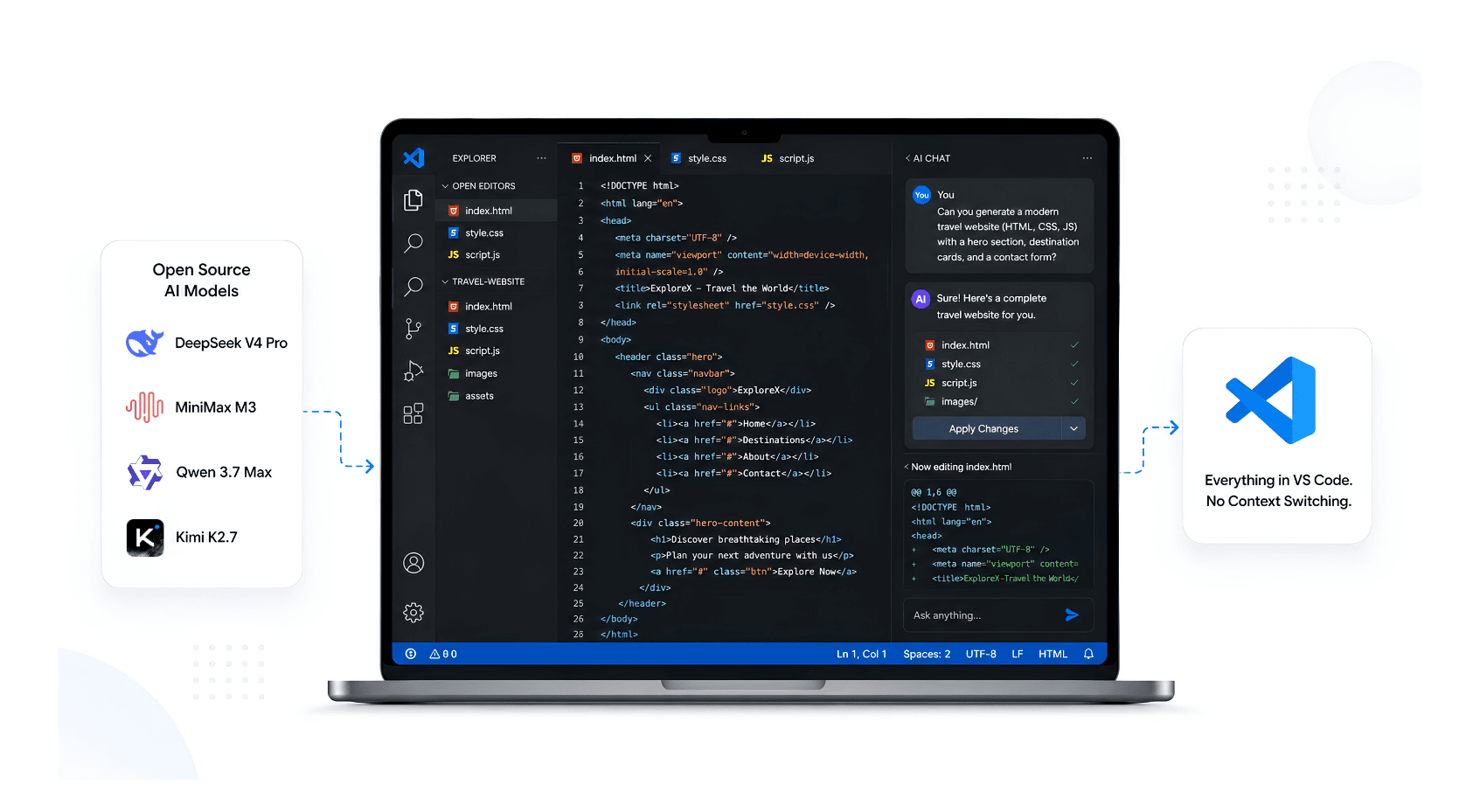
How to Use Open Source AI Models Directly in VS Code (Without Switching Tools)
Stop context-switching between your editor and AI chat tools. Here's how to run open source models like GLM-5.2, DeepSeek, and Llama 4 natively inside VS Code using Qubrid's inference API
Shubham Tribedi